Meet Cove — the intelligence inside thebuildersOS
Your construction business finally has someone watching the whole picture.
Meet Cove — the intelligence inside thebuildersOS. Cove learns from the work you're already doing — your projects, communications, calendar, quotes, costs and commitments — and helps you understand what needs attention, what's moving, and what to do next.
Only 10 Founding Builders. Core thebuildersOS access free for life.
Meet Cove.
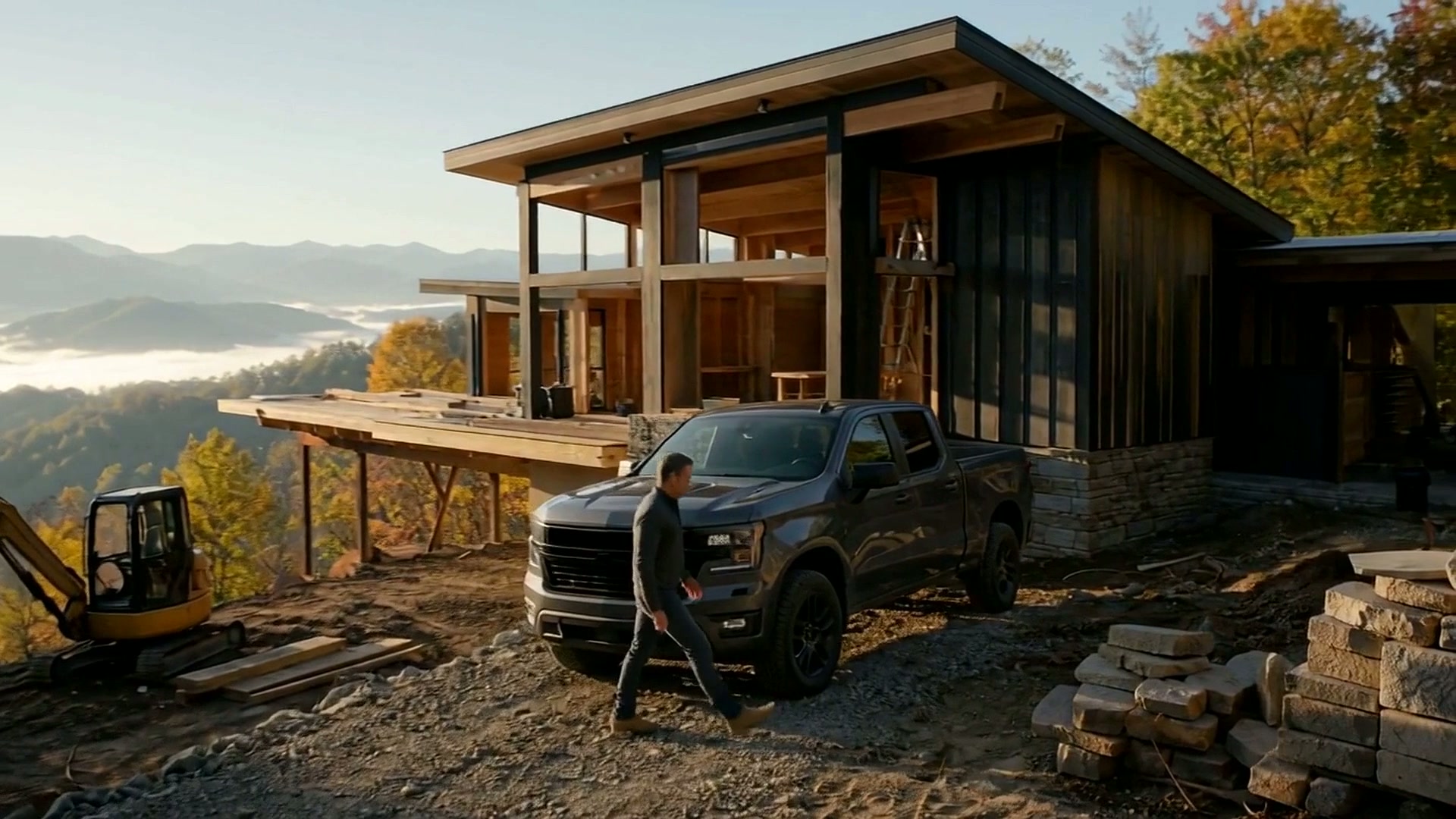
See what happens when your construction business finally has an operating partner watching the whole picture.
Meet Cove
1 minute 17 seconds
A conversation, not a dashboard
Cove, how's my business?
Things are moving in the right direction. Fern Creek is progressing, and there's one item I'd handle next: you're still waiting on the house layout.
I don't see anything else that needs your attention right now. Everything else can wait.
Illustrative example. Not live customer data.
- 01
Work normally. Cove learns.
You shouldn't have to feed another complicated construction system. Connect the tools you already use and keep running your business. Cove learns from normal business activity and organizes the information around you.
- 02
Cove connects the dots.
Projects. Communications. Calendar. Quotes. Costs. Commitments. Cove looks across the business to understand what's moving, what needs attention and what can wait.
- 03
You stay in control.
Cove can identify what needs attention, explain why, find the source and prepare the next action. Nothing is sent or changed without your approval.
Cove prepares. You approve.
Build a better business — and a better life.
Work more on your business.
Less in your business.
It's not about replacing what contractors are good at. It's about giving them more time to actually be good at it.
Interested in thebuildersOS?
Tell Cove a little about yourself.
Drop your email below. Cove will reach out, learn a little about your construction business, and keep you informed as thebuildersOS grows.
No spam. Just useful updates and an occasional note from Cove.
Founding Builders
10 Founding Builders.
Free for Life.
We're inviting only ten construction businesses to become Founding Builders of thebuildersOS.
Founding Builders receive the core thebuildersOS subscription free for life in exchange for helping shape the platform through real-world use and feedback.
Once all 10 positions are claimed, the Founding Builder program closes permanently.
Counting the Founding Builder positions claimed so far…
0 of 10 claimed · 10 remaining